
Download
Download speed
How fast data reaches you. It decides streaming quality, how long downloads take and how quickly pages load.
Internet speed test · Web and Android
What it measures
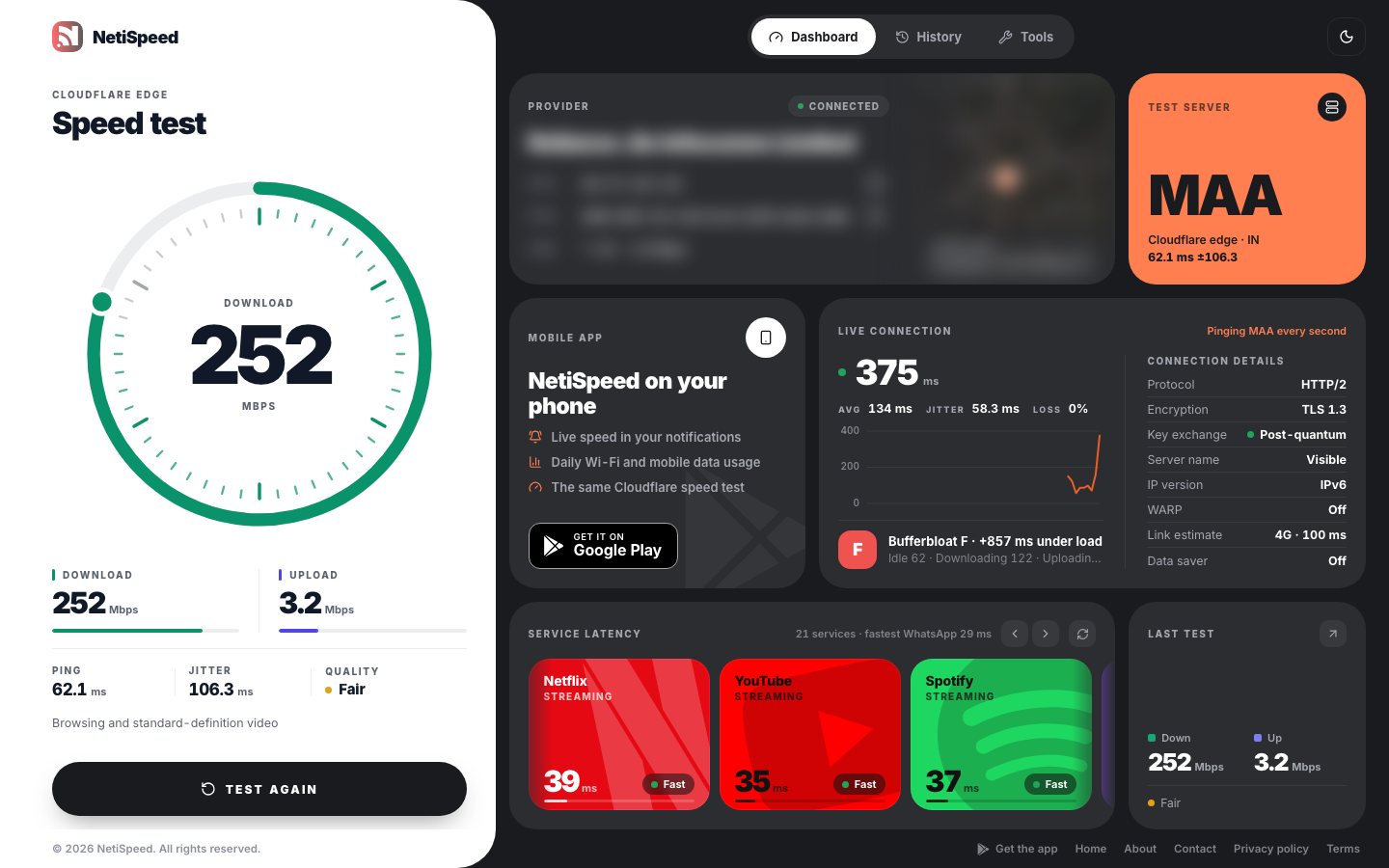
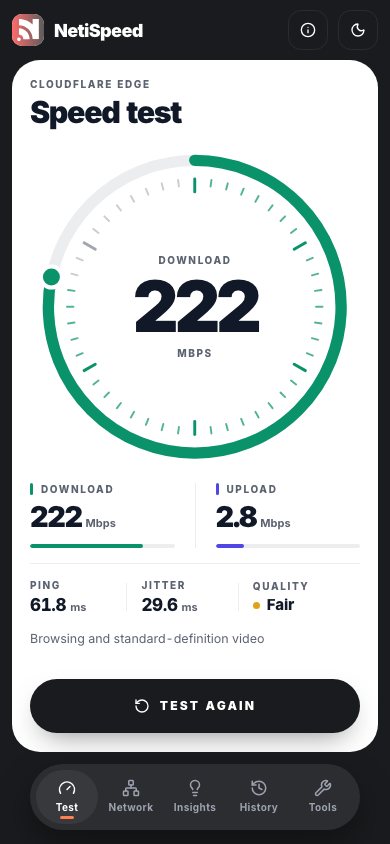
Each test runs against the nearest server on Cloudflare’s global network. Here’s what every number tells you.
Download
How fast data reaches you. It decides streaming quality, how long downloads take and how quickly pages load.
Upload
How fast you can send data. It matters for video calls, cloud backups, live streaming and sharing large files.
Latency
The round trip to the nearest test server. Lower latency makes games, calls and browsing feel more responsive.
Jitter
How much latency varies from one moment to the next. High jitter shows up as choppy calls and sudden lag spikes.
Under load
How far latency rises while the line is busy, known as bufferbloat, graded from A+ to F.
Loss
Requests that never come back. The live connection chart tracks dropped pings, and the Android speed test reports loss.
Why NetiSpeed
A basic speed test gives you one download number. NetiSpeed looks at what happens around it: latency when the line is busy, how individual services respond, and what your connection is doing right now.
Latency under load
Graded by how much latency rises while the line is busy.
Much of the lag on a home connection comes from latency that climbs when someone starts a download or upload. NetiSpeed measures latency again while your line is saturated and grades the increase from A+ to F, so you can tell whether calls and games will hold up when the house is busy.
Beyond the speed test
Alongside the test, the dashboard shows what your connection is doing right now and how the services you use respond.
Times a small request to each service’s own content network, so you can see which ones are slow from where you are.
Pings Cloudflare every second and charts the last minute, so spikes and dropouts show up as they happen.
HTTP/3, TLS 1.3, post-quantum key exchange, IPv6 and WARP, read from Cloudflare’s edge.
Your provider, IP addresses, approximate location and the Cloudflare data centre you tested against.
IP lookup, DNS records, HTTPS ping and a port reachability check, in the same place.
Results are saved in your browser with a trend chart, not on a NetiSpeed server.
Who it’s for
Check whether you’re getting the speed you pay for, and what your numbers mean in plain terms.
See whether upload, latency and latency under load can keep up with video calls while others share the line.
Watch latency, jitter and dropped pings live, and see how game platforms respond from where you are.
Narrow down whether a problem is your connection, your provider or a single service, with DNS, ping and port tools.
Android app
The same Cloudflare speed test, plus the things only a phone app can do: live speed in your notifications and how much Wi-Fi and mobile data you use each day.
Get it onGoogle PlayDownload, upload, latency and packet loss, saved to a history on your phone.
Your current download and upload rate, worked out from your phone’s total traffic counters.
Wi-Fi and mobile data totals per day and month, with optional usage access you can turn off at any time.
Your device model, network type and connection details in one place, shown on your phone only.
Privacy
NetiSpeed has no sign-up and no advertising, and your results are saved on your device rather than on a NetiSpeed server. The website uses Google Analytics to count visits. To measure your connection, your device has to talk to services such as Cloudflare, and the privacy policy lists every one of them.
Read the privacy policyRoadmap
These features are planned and not available yet. They may change before they ship.
Planned
Plain-language explanations of what a result means and what is most likely limiting your connection.
Planned
Step-by-step suggestions based on what a test found, such as high latency under load or packet loss.
Planned
Patterns across your saved tests, such as the times of day your connection slows down.
Planned
Advice tailored to what you use your connection for, whether that’s calls, gaming or streaming.
It runs in your browser against Cloudflare’s network. No sign-up, nothing to install.
Start speed test